At the Microsoft Exchange Conference earlier this year, the Office team introduced us to some nice features which were under development at that time. These features are part of Office Graph, a machine learning feature set meant to make the end user experience more personal and contextual as part of the Enterprise Social initiative.
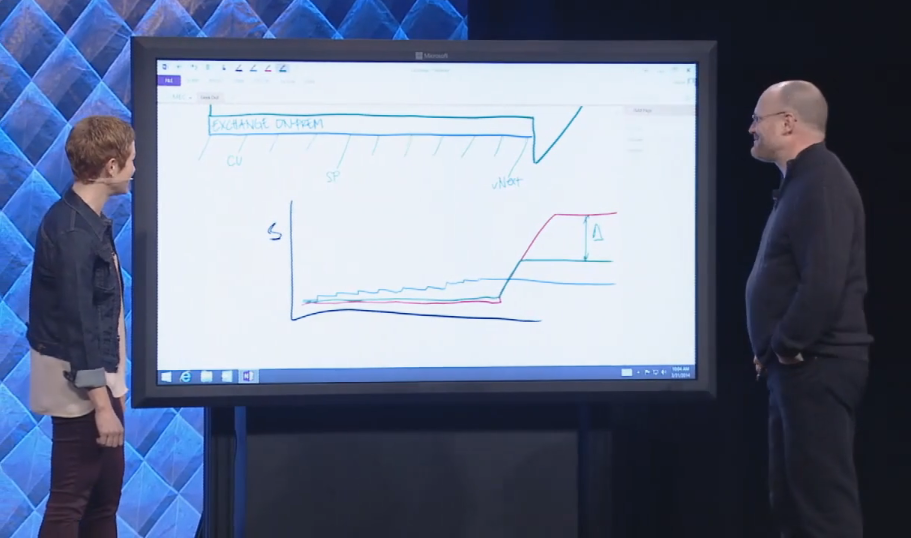
 In the keynote, during a “Geek out with Perry”, Perry (Corporate VP for Microsoft Exchange) mentioned that the “Cloud First” approach allowed Microsoft to implement features step by step, with the option of reverting not-so-good changes. In the end, this should also result in a better product for the on-premises customer when releasing new Exchange builds, and ultimately Exchange v.Next (the next version), as they would not receive the not-so-good changes. It was mentioned several times, also in individual sessions on Office Graph features like Clutter and Groups as well, that these features would be “cloud-first” but there was “no ETA yet” for Exchange on-premises. At that time, most of us leaving MEC did that with the impression that all these features, at some point, would make it to Exchange or Exchange v.Next.
Apparently we got hold of the wrong end of the stick. Last week this article appeared on Network World, where in an interview with Julia White (GM Office Marketing) she mentioned that Clutter would not make it to “Office Server”, which seems to be the term for the on-premises deployments of the Exchange, Sharepoint and Lync Server triplet. This was a bit surprising, given the information received at MEC. The reason given in the article for this deviation was that Office Graph is too “compute intensive” to include on a Office Server. I assume to preempt any sounds on being forced to the service, Julia states that, “It’s not capricious favoritism toward Office 365 customers.” This is more or less in line with Microsoft’s earlier statements, on not having plans to stop delivering on-premises releases of Exchange (v.Next). In the discussion that followed on Twitter, Julia confirmed that “Clutter won’t make ExServer v.Next unfortunately.”
 The scale of Office 365 is incomparable to the average business running Exchange, Sharepoint and Lync on-premises and the amount of information that needs to be processed for Office Graph. And I can’t help it, but looking at the ‘compute intensive’ argument brings back memories of computer rooms where big monolithic systems offered computing powered easily surpassed by today’s tablet. With Clutter being expected for later this year and vNext next year, that is a considerable window. Some claim that Moore’s Law is obsolete and we also can’t expect to be running Skynet from home next year but still, computing power increases and I know of some customers who would just get the additional hardware onboard to facilitate those extra features. In addition, Clutter can be enabled on a per-user basis anyway.
In a more or less opposite statement, Julia is quoted saying, “Our philosophy is anything we technically can ship in servers, we will. We want our server customers and our cloud customers to have as much as we can ship to them. If it’s possible technically and it’s feasible then we’ll put it in the servers.” I think the reason for not adding Clutter should be sought in the hints Julia provided in the 2nd part of the article. With on-premises customer not following or even delaying upgrading to current versions of Microsoft’s products, Exchange, Sharepoint, Lync and clients, makes it hard to ship and support product transcending features, especially if this requires the latest (and greatest) version.
Think Site Mailboxes, more or less the predecessor of the announced Groups feature of Office Graph. Implementing Site Mailboxes requires Exchange 2013, Sharepoint 2013 and Outlook 2013 and additional configuration to integrate the Exchange and Sharepoint products. In the field, I see very low adoption of Site Mailboxes. Many customers are running older product levels (blocking implementation) or it’s a more elementary reason like not having deployed Sharepoint. But then, for those that are running Site Mailboxes, it adds value. Isn’t that what this is all about? Note that for the compliance discovery feature to work, proper configuration of Exchange, Sharepoint and Lync is required as well, but compliance is perhaps is a better selling point than clutter or one of the other Office Graph features could ever be.
“Assumption is ..” are the first words of a well-known saying. For the future, don’t expect anything you see announced for Office 365 to be ported to the on-premises Exchange releases, even though that product stems from the same code. Then again, features might get dropped, for reasons provided above or just because they were not ready. That’s nothing new and we got accustomed to a little disappointment now and then. In the case of Clutter, it’s a shame because it looked like a neat feature to work more efficiently through e-mail without configuring tons of rules. In the case of Groups, it is confirmed for v.Next, but you never know for sure until it is released. Meanwhile, Microsoft should maybe try to prevent confusion by demonstrating Clutter a.o. in sessions called “What’s new in Exchange“.
If you got an opinion on these changes in course or feature drops, please share them in the comments.

 A short heads-up as the session catalog for Microsoft Ignite has been published. So, if you are still undecided or already want to pick ‘must see’ sessions for your schedule, you can check the session catalog here.


 EighTwOne (821)